3D printing

From a photo to your 3D printer.

3D Mate turns a picture of any object into a solid, print-ready mesh, entirely on your Mac. Export STL or 3MF and drop it straight into PrusaSlicer, Cura, or Bambu Studio. No scanner, no photogrammetry rig, no cloud credits.

Free during the beta. Requires macOS 15 or later on Apple Silicon.

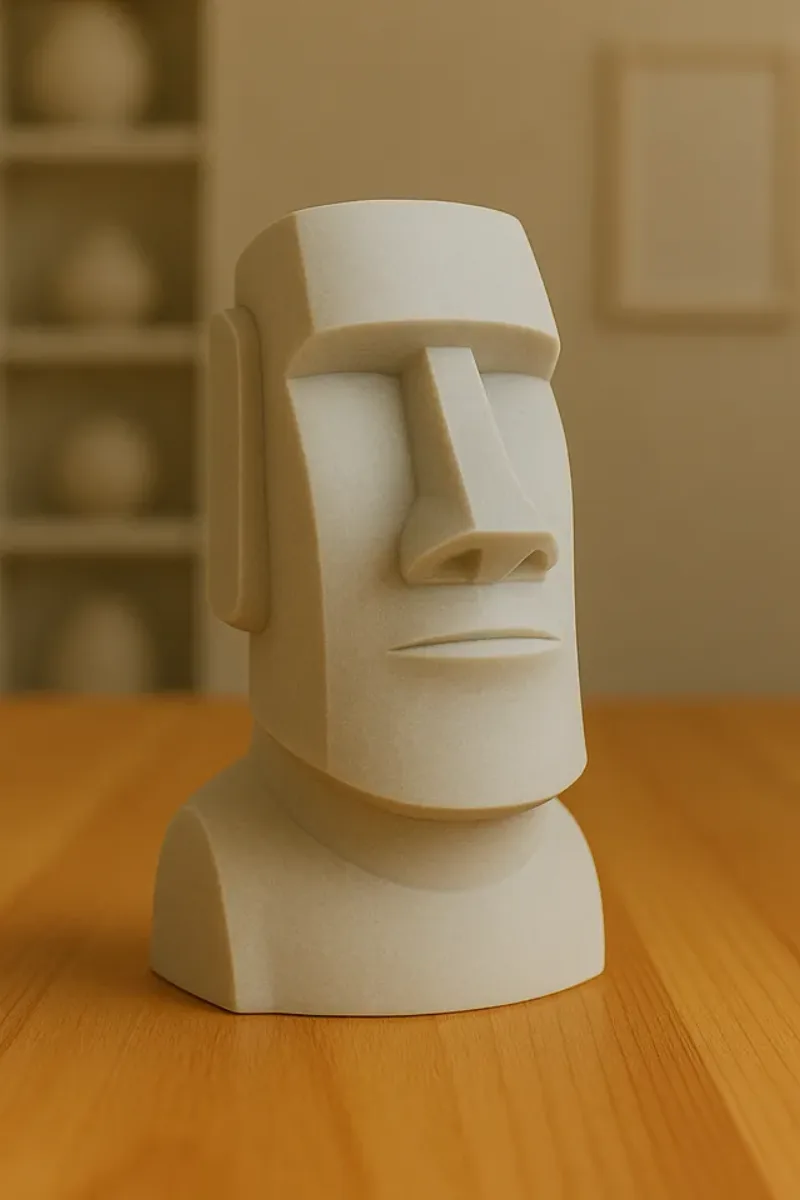
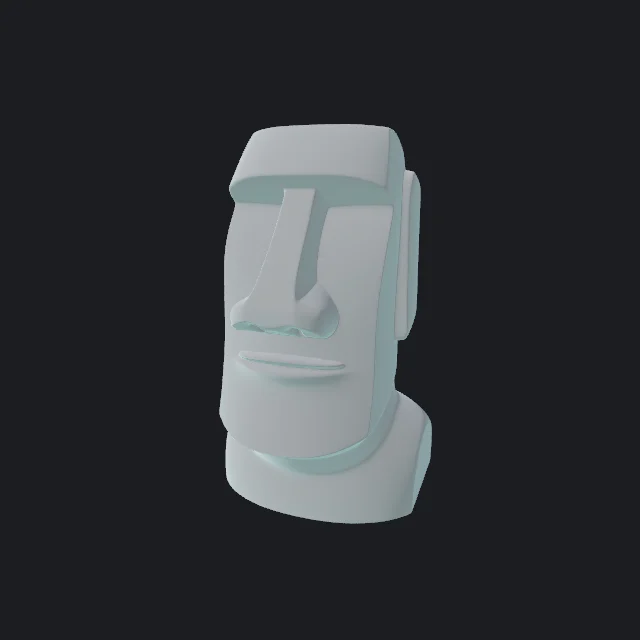
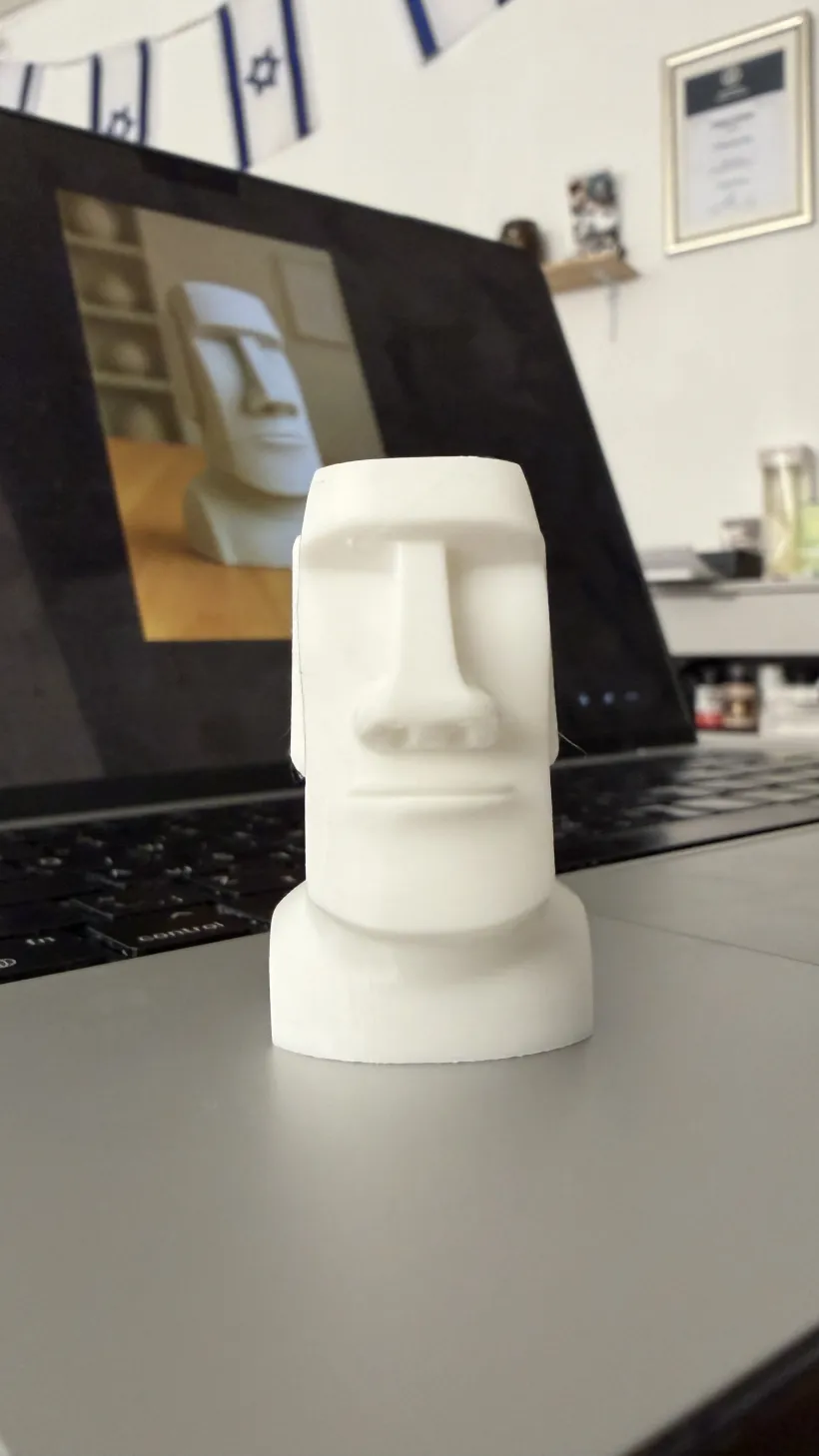
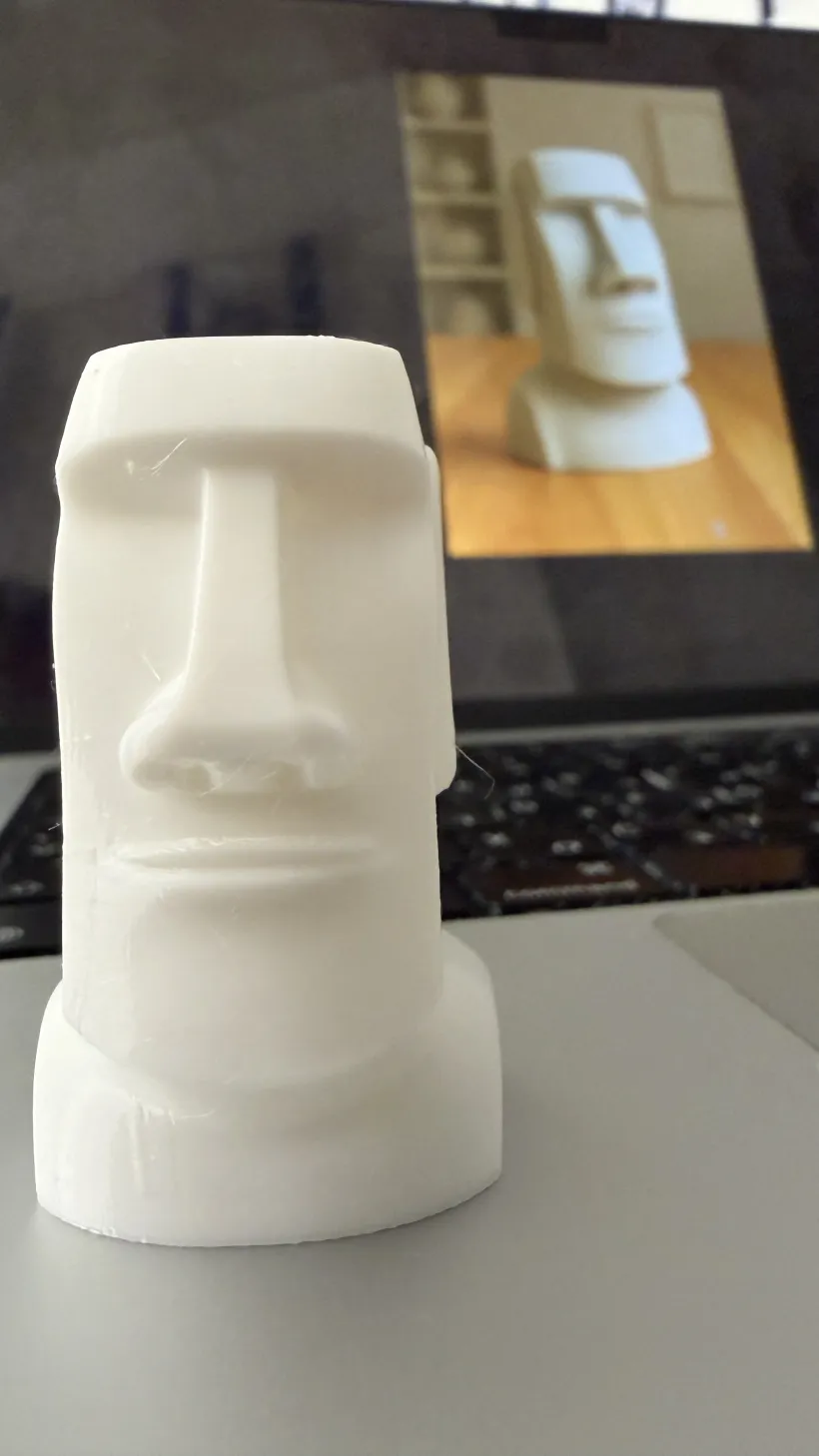
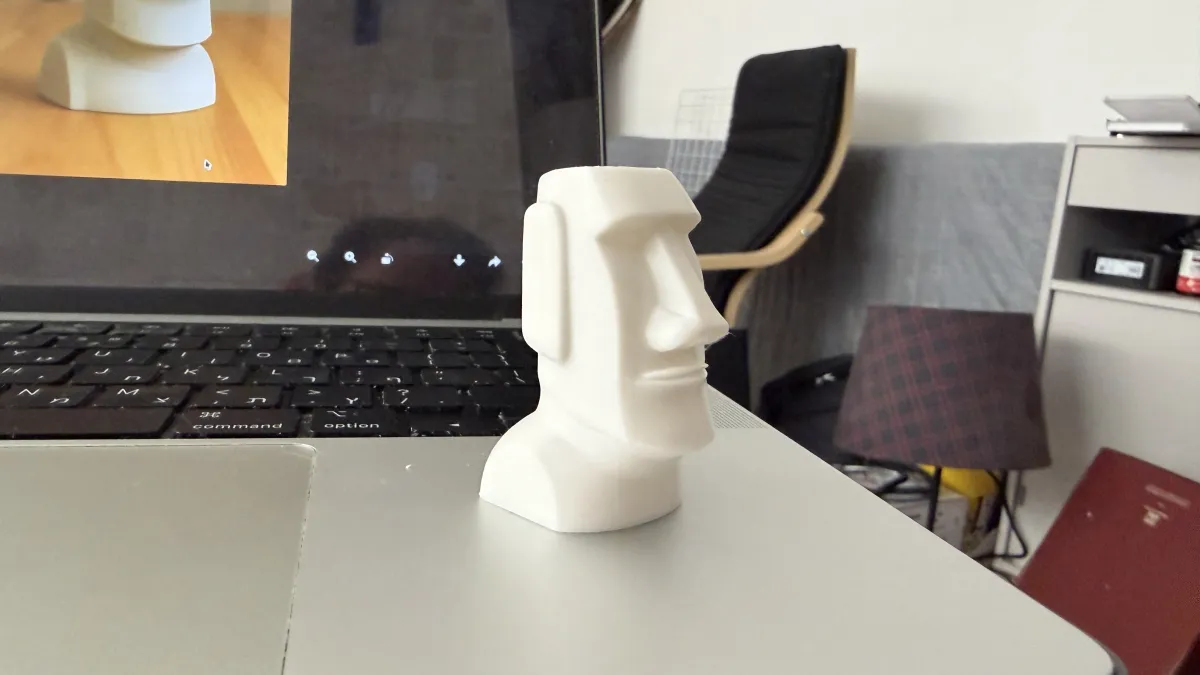
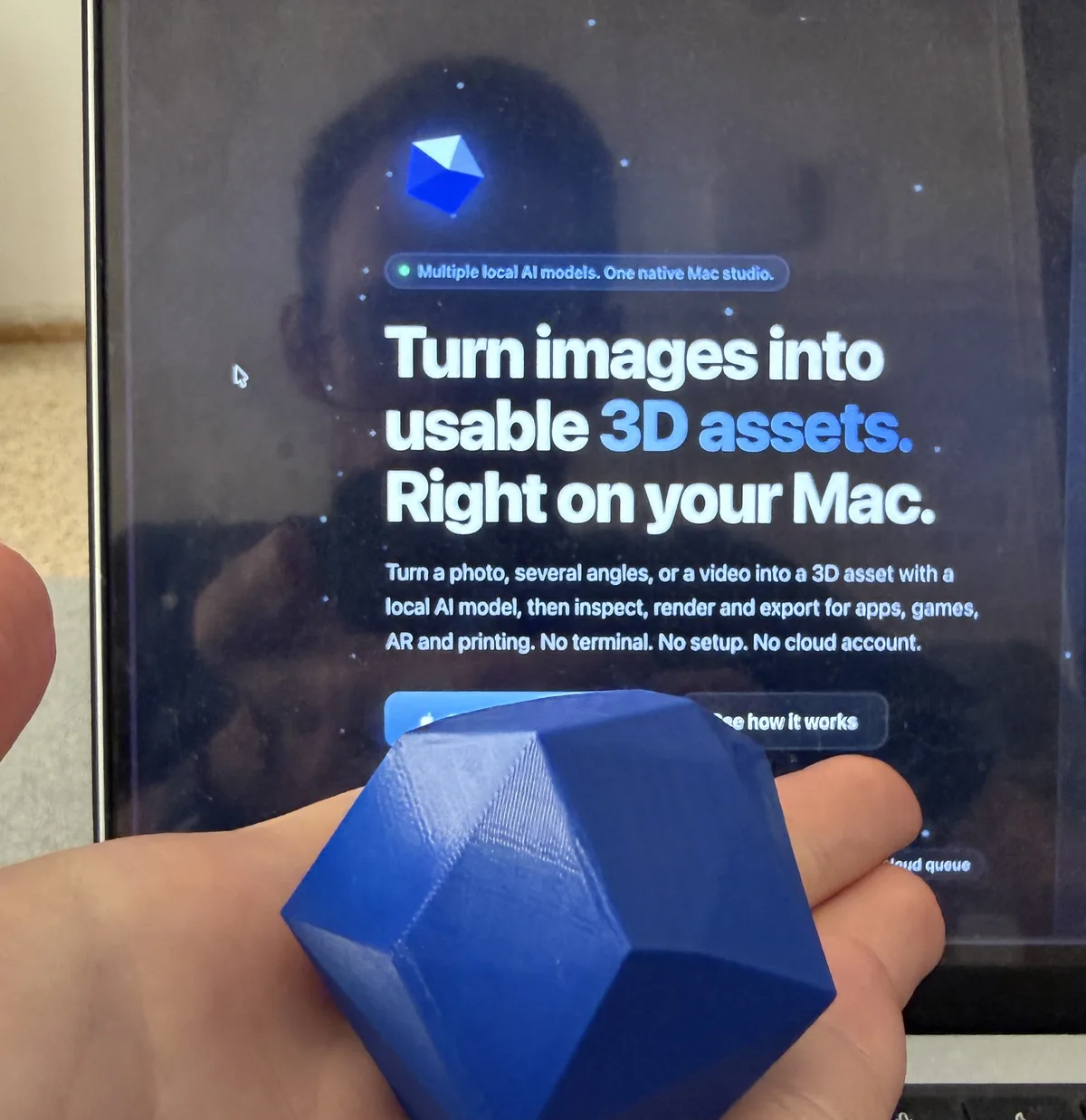
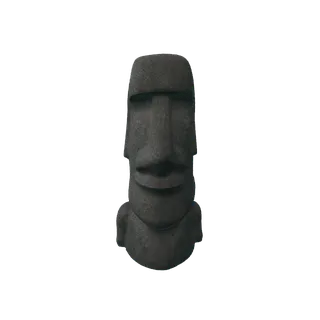
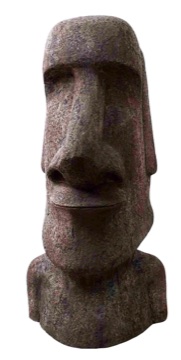
Generated by 3D Mate from the photo in the corner. Ready to slice.

Solid meshes, not hollow shells.

Printable geometry is different from pretty geometry. 3D Mate orients every surface outward, closes pinholes, and exports meshes that slicers accept without repair. The clay material in the built-in viewer gives you a quick print preview before you commit filament.

STL
3MF
OBJ
PLY

Photo to print in three steps.

1

Photograph the object

One clear photo works. Photograph a figurine, a souvenir, a part, or anything else you want on the print bed.

2

Generate on your Mac

3D Mate cuts out the subject, reconstructs the geometry, and bakes the texture with on-device AI. Watch the live preview while it works.

3

Slice and print

Export 3MF or STL and open it in your slicer. Scale it, add supports if needed, and print.

3D printing questions, answered.

Can I 3D print a model made from a photo?
Yes. 3D Mate reconstructs a solid, watertight-oriented mesh and exports STL or 3MF that any slicer accepts, including PrusaSlicer, Cura, and Bambu Studio.
Do I need a 3D scanner?
No. One clear photo is enough. Two to four photos from different angles make the back of the model more faithful. There is no scanner, turntable rig, or photogrammetry setup.
STL or 3MF, which should I use?
Use 3MF when your slicer supports it, since it carries units and orientation cleanly. STL works everywhere. 3D Mate exports both.
Does anything upload to the cloud?
No. Generation runs entirely on your Mac with Apple Silicon. Photos and models never leave your machine.

Print the things you can photograph.

The download link appears right after signup.