Augmented reality

Photograph it. Then place it in your room.

3D Mate turns photos into USDZ models that open natively in AR Quick Look on iPhone, iPad, and Apple Vision Pro. Capture an heirloom, a sculpture, or a product, and let anyone walk around it in their own space.

Free during the beta. Requires macOS 15 or later on Apple Silicon.

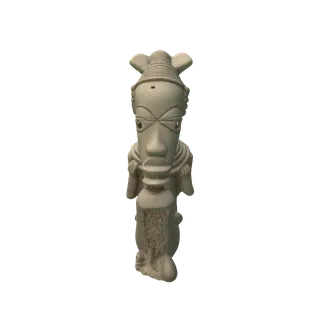
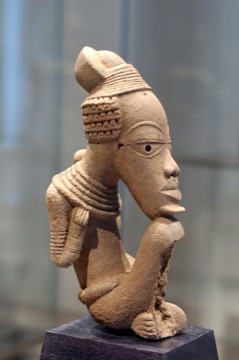
Generated by 3D Mate from the photo in the corner. AirDrop the USDZ and it is in AR.

Native USDZ, zero conversion steps.

USDZ is a first-class export in 3D Mate, not an afterthought. Textures ride inside the file, so the model appears in AR Quick Look looking like the original object. AirDrop to iPhone, embed on a web page with a rel="ar" link, or open it on Vision Pro.

USDZ
GLB
OBJ

Photo to AR in three steps.

1

Capture the object

One photo of the object you want in AR. Museum pieces, family keepsakes, prototypes, products.

2

Generate and export USDZ

3D Mate reconstructs the object with on-device AI and exports a textured USDZ in one click.

3

AirDrop and place

Send it to an iPhone, iPad, or Vision Pro. AR Quick Look opens it instantly, no app required.

AR questions, answered.

How do I view my model in AR on iPhone?
Export USDZ and AirDrop it to your iPhone or iPad. It opens directly in AR Quick Look, where you can place the object in your room. The same file works on Vision Pro.
Does USDZ keep the textures?
Yes. The baked texture travels inside the USDZ, so the object shows up in AR looking like the photographed original.
Can I use the models on a website?
Yes. Link the USDZ with a rel="ar" anchor for Safari's AR Quick Look, or use the GLB export with the model-viewer web component for cross-platform web 3D.
Is any of this processed in the cloud?
No. Everything is generated on your Mac. Photos and models stay on your machine until you choose to share them.

Put real things in augmented reality.

The download link appears right after signup.