
Fastest, lowest memory

TripoSRAlpha

A draft in under a minute. Trades some detail for speed, and runs on 8 GB.

One of several local engines in 3D Mate. Switch per model, any time.

TripoSR runs fully offline on a Mac inside 3D Mate. It is the fastest engine here: a single photo becomes a textured 3D draft in under a minute on Apple Silicon, with no cloud upload, no account, and no internet connection once installed. It is also the lightest, running on a Mac with 8 GB of unified memory (16 GB recommended) and about 11 GB of disk. It trades some fine detail for speed, which suits quick drafts and iteration, and exports GLB, USDZ, OBJ, STL, and PLY. For more detail, step up to TRELLIS.2 4B or TripoSG. Prefer to self-host? See how to run TripoSR on a Mac. See the head-to-head TripoSR vs Stable Fast 3D.

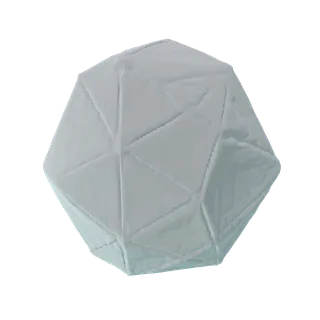
Made with 3D Mate. A sample result, to show the app's output.

What it is great at

  • The fastest engine here. A textured draft in well under a minute.
  • Lightest on memory: runs on 8 GB Macs.
  • Great for trying an idea before committing to a slower model.

Trade-offs

  • Lower fidelity than the detail models. It is a draft, not a final.
  • Alpha: results and stability are still a work in progress.

At a glance

Unified memory
8 GB minimum, 16 GB recommended
On disk
About 11 GB
Speed · M1 Pro, 32 GB
Under a minute
Exports
GLB, USDZ, OBJ, STL, PLY
License
MIT
Works offline
Fully on your Mac. No internet or cloud, nothing uploaded.

The original model

Try TripoSR on your Mac.

Free to try. Install TripoSR from inside the app, in a click.

FAQ

Does TripoSR run offline on Mac?
Yes. TripoSR runs entirely on your Mac, fully offline and on-device. No internet connection, no cloud account, and nothing you import or generate ever leaves your machine.
Do I need an internet connection or an account to use TripoSR?
No. Once 3D Mate and the TripoSR engine are installed, everything runs locally on Apple Silicon. You can generate 3D models with TripoSR on a Mac that is completely offline.